GS1 Digital Links Explained: Turning Every Product Into a Smart Touchpoint
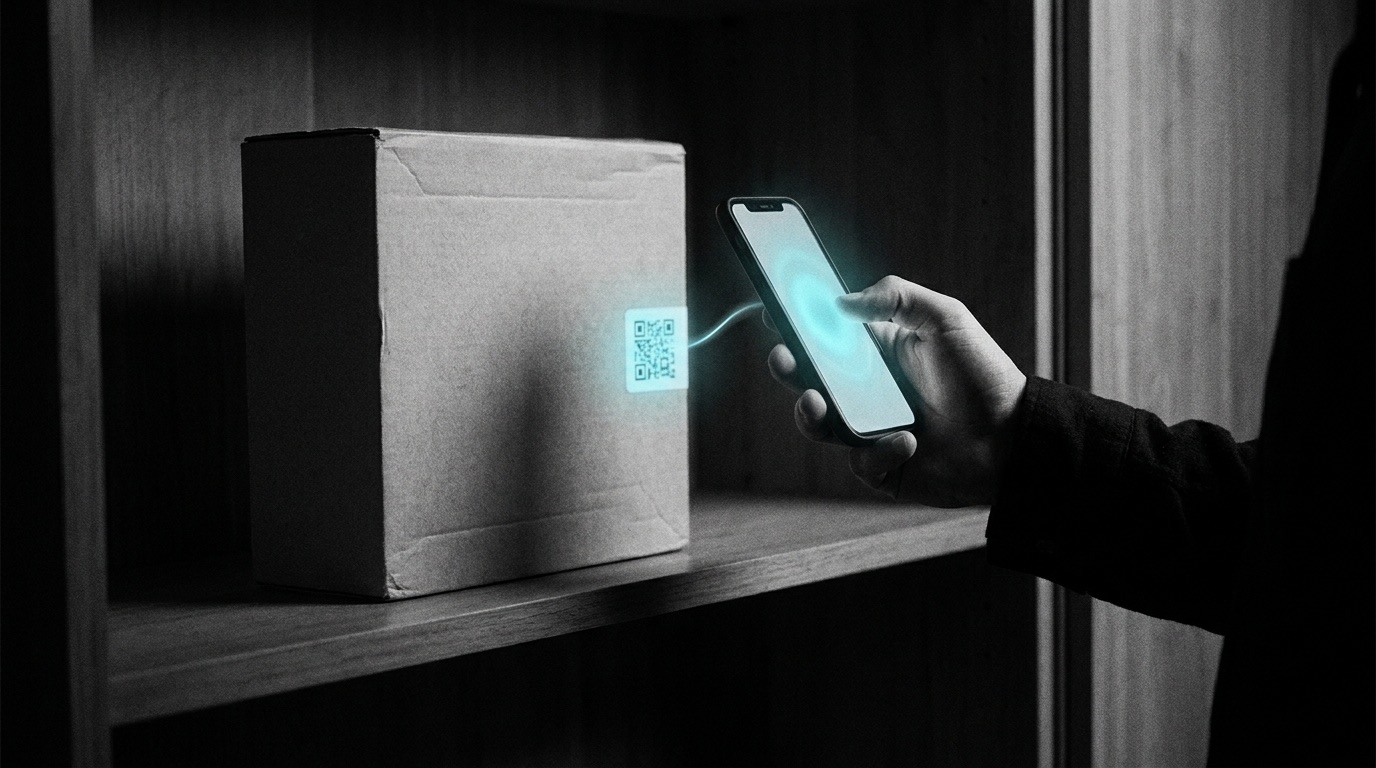
When you type closient.com into a browser, the internet does something that feels invisible: it looks up a name and turns it into an address. The lookup is DNS, the Domain Name System. You don’t see it happen, but every URL on the internet depends on it.
A GS1 Digital Link does the same thing for products. The 2D code on a package isn’t a destination. It’s a lookup. When you scan it, the lookup happens, and the answer is a URL the brand controls. The same scan can take a consumer to a product page, take a warehouse handheld to a receiving record, take a regulator to a traceability log, depending on context.
That lookup layer is the “resolver.” It’s the new piece of infrastructure that makes 2D-on-pack actually useful, and it’s why GS1 Digital Link is the standard the entire CPG industry is moving to over the next two years.
If you’re a brand manager wondering “what should our QR codes actually point to?”, a packaging engineer trying to size a 2D code for a print run, or an IT lead figuring out how this fits with the rest of the stack, this is the layer to understand.
What’s actually in a Digital Link
A traditional barcode is just a number. A UPC encodes 12 digits. A GTIN-14 encodes 14. The barcode itself is dumb: a sequence of stripes a scanner reads as a number. What that number means (what product it belongs to, what brand owns it, what’s in the box) is left for some downstream system to figure out by looking it up in its own database.
A GS1 Digital Link is a URL. Specifically, it’s an HTTPS URL whose path encodes one or more GS1 identifiers. Like this:
https://example.com/01/00614141123452/10/LOT-2026-001/21/SN-99876
That URL contains:
- The product (
/01/00614141123452= GTIN) - The batch (
/10/LOT-2026-001) - The serial (
/21/SN-99876)
Encoded into a QR code, it’s the same compact 2D pattern as any URL, but with one difference: when scanned, the URL itself is the message and the lookup, both at once. The scanner doesn’t need to know what GTIN-14 means or how to talk to a separate database. It just opens the URL, and whatever’s at the other end decides what to return.
This is the inversion that makes Digital Link different from older barcode standards. The barcode used to be a question (“what number is this?”) routed to a database for an answer. The Digital Link is the answer, encoded as a question to a server.
The resolver: where the magic happens
The URL in the Digital Link points to a resolver, a server that listens at a specific path pattern (/01/{GTIN}/...) and returns a response based on what was scanned and who’s scanning.
The resolver looks at:
- What was scanned: just the GTIN? GTIN + batch? GTIN + serial?
- Who’s scanning: a consumer’s phone? A retail POS? A warehouse handheld?
- What they want: based on
Accept(JSON for machines, HTML for humans) andAccept-Language(English, Spanish, German, etc.) - What the brand has registered: the per-product URLs the brand has set up
And then it returns a “linkset”: a structured list of URLs the brand has registered for this product, with each URL tagged by link type (gs1:pip for product information, gs1:recallStatus for active recalls, gs1:safetyDataSheet for SDS docs, etc.).
The scanner picks the right URL from the linkset and follows it. The consumer’s phone might pick the product page. The warehouse handheld might pick the receiving record. The pharmacist’s phone might pick the recall status. Same QR code, different responses, all routed by the resolver.
This is the part that didn’t exist in the 1D barcode world. There was no resolver layer. The barcode pointed to a number; the systems downstream had to know what to do with it. Digital Link puts the routing decision into the brand’s control, where it belongs.
Why this matters for brands
In the 1D barcode world, a brand had no consumer-facing relationship through their packaging. The UPC went to the retailer’s POS for pricing; that was it. If a consumer wanted to know where a product came from or whether it was recalled, they had to type the brand’s name into a search engine and hope.
In the 2D Digital Link world, the brand owns the response to every scan. When a customer scans a product, they get whatever the brand has registered, typically:
- A consumer-friendly product page (ingredients, sourcing, story)
- The recall status (active recall? Compensation flow. No recall? Reassurance.)
- A “where to buy” experience (geo-aware nearest-store lookup)
- Loyalty / authentication (warranty registration, ownership claim)
Or whatever the brand has decided to register. The QR code on the package becomes a direct channel from the brand to every consumer who picks up a product, with no intermediary, no algorithm, no third-party platform deciding what they see.
For a brand, this is a substantive change in the consumer experience. It also means: if you don’t set up your own resolver, someone else’s will respond to scans of your products. The default that retailers and marketplaces will fill in if you leave the URL empty is generic, not yours.
Application Identifiers: the vocabulary of GS1 codes
Every piece of data inside a Digital Link URL is tagged with a GS1 Application Identifier (AI), a 2-to-4-digit code that says “the next field is this kind of thing.” AIs fall into three roles, and the role determines where the code is allowed to sit in the URL.
Primary keys identify the thing itself: there’s exactly one per URL, and it’s what everything else attaches to. GTIN is the one every brand touches, but it’s one of sixteen:
| AI | Meaning | Example |
|---|---|---|
01 | GTIN-14, the product itself | /01/00614141123452 |
00 | SSCC, logistics container | /00/106141412345678908 |
253 | GDTI, document (certificate, boarding pass, etc.) | /253/0614141000012 |
255 | GCN, coupon | /255/061414100001200001 |
401 | GINC, shipment consignment ID | /401/GINC0614141001 |
402 | GSIN, shipment ID | /402/06141410000000012 |
414 | GLN, physical location | /414/0614141000005 |
415 | GLN, invoicing party | /415/0614141000005/8020/INV-4471 |
417 | GLN, party (brand homepage) | /417/0614141000005 |
8003 | GRAI, returnable asset (e.g. pallet) | /8003/06141410000052LOT99 |
8004 | GIAI, individual asset (e.g. equipment) | /8004/EQUIP-12345 |
8006 | ITIP, one piece of a multi-pack item | /8006/000123456789050406 |
8010 | CPID, component / part identifier | /8010/COMP-789 |
8013 | GMN, product model (the family above a SKU) | /8013/IPHONE15PROTY |
8017 | GSRN, service provider | /8017/061414100000000007 |
8018 | GSRN, service recipient | /8018/061414100000000007 |
Qualifiers narrow which one: they ride in the path, right after the primary key they refine:
| AI | Meaning | Example |
|---|---|---|
10 | Batch / lot number | /01/00614141123452/10/LOT-2026-001 |
21 | Unique serial number | /01/00614141123452/10/LOT-2026-001/21/SN-99876 |
Data attributes are extra facts about the thing, not part of identifying it. They go in the query string, not the path:
| AI | Meaning | Example |
|---|---|---|
17 | Expiration date (YYMMDD) | /01/00614141123452?17=271231 |
That path-vs-query split isn’t cosmetic. It’s the difference between a URL a resolver can conform-check and one it will reject. /01/{GTIN}/17/{date} looks reasonable but breaks the standard; /01/{GTIN}?17={date} is what a conformant Digital Link actually looks like.
The full GS1 General Specifications register dozens more AIs beyond these (donation IDs, batch composition, harvest dates, and so on), and a well-implemented resolver supports many of them as data attributes even without a dedicated qualifier role. Most brands will only ever touch a handful in practice: 01 (GTIN), 10 (batch), 21 (serial), 17 (expiry), 414 (location). But the full set of sixteen primary keys matters for anyone building or evaluating a resolver: a resolver that only handles GTIN isn’t GS1 Digital Link infrastructure, it’s a GTIN lookup with extra steps. Closient’s resolver routes all sixteen live.
The combination matters. A scan of just /01/{GTIN} is “tell me about this product, generally.” A scan of /01/{GTIN}/10/{LOT} is “tell me about this specific batch, including whether it’s been recalled.” A scan of /01/{GTIN}/10/{LOT}/21/{SN} is “tell me about this specific item, including who manufactured it, when, and whether it’s been registered to an owner.” The resolver returns different content for each, based on what the brand has registered.
Use cases the resolver enables
A working Digital Link resolver isn’t itself the product experience. It’s the infrastructure that makes the product experience possible. The use cases are what get built on top:
Consumer trust on shelf. A scan returns the brand’s product page with ingredients, allergens, certifications, and provenance. Side-by-side with a competitor that has no QR (or one that goes to a generic marketplace listing), the brand with the working resolver looks more accountable. The shelf doesn’t lie.
Real-time recall response. When a recall is issued, the brand updates the lot-level URL to return the recall notice. Anyone who scans an affected lot (consumer, retailer, distributor) sees the notice immediately. No reliance on news cycles or government databases catching up.
Regulatory traceability. For FSMA 204 (US food) and EU DPP, the resolver returns the per-lot CTE record or the per-product attribute data on scan. The 24-hour-FDA-request scramble becomes “send them this URL.”
Consumer engagement. Loyalty registration, warranty activation, “share to social” prompts, proof of authenticity for high-value goods: all fire from the same QR scan, all decided by the resolver based on context.
Supply-chain visibility. Internal warehouse and distribution scans hit the same resolver but get back operational responses (inbound receipt confirmation, shipping manifest, intake quality check) rather than consumer content.
The pattern: same code on the package, infinite responses, routed by the brand’s resolver based on who’s scanning and what they want.
How brands control where their QR codes point
The control surface is the linkset, the brand-registered list of URLs and the link types that classify them. The brand decides:
- Which URLs the resolver returns for each product
- Which link type each URL is (consumer page? Regulatory doc? Marketing experience?)
- Which language each URL is in (the resolver picks based on
Accept-Language) - Which URL is the default (returned when context is unclear)
Adding a URL to the linkset is a single operation, usually through an admin UI or an API call. Updating the URLs is the same. Adding a recall-status URL when a recall hits is the same. The package never changes; the brand’s decisions about what scanning the package returns are entirely server-side.
This is why the resolver is the right level of investment. Once the resolver is live, the rest of the work is content: registering the URLs, refreshing the data, handling the operational events. None of that requires re-printing packaging or re-issuing QR codes.
The resolver as infrastructure, not a destination
A common misconception: “we’ll just point our QR codes at our marketing site.” That works, technically, but it bypasses everything Digital Link makes possible.
A QR code that points to https://brand-x.com/product-of-the-week is fixed. Whatever’s on that page when the scan happens is what the consumer sees. There’s no per-lot routing, no per-region content, no recall override, no language negotiation. It’s a URL shortener, not a resolver.
A QR code that points to https://brand-x.com/01/{GTIN}/10/{LOT} and hits a real Digital Link resolver gets all the routing for free. The brand can change what each product’s scan returns, lot by lot, in real time, without re-printing anything.
Think of it the way a CDN sits in front of a website: the CDN is infrastructure that makes the site fast and globally available. The site itself is the content. Trying to skip the CDN and serve the site directly works for one user but doesn’t scale. The Digital Link resolver is the equivalent for product packaging: infrastructure that makes the QR code useful at scale, separated from the content the brand wants to serve.
What to set up first
The minimum useful Digital Link resolver setup, for a brand that wants to start owning their consumer scans:
- A resolver hosted at your brand’s domain:
closient.com/01/...,brand-x.com/01/..., etc. Brand-controlled, not a third-party domain. - A linkset entry per active SKU: at minimum, a product detail page. Better: also a recall-status URL (default: “no active recall”), a customer-support URL, and any regulatory URL your category requires.
- A way to update the linkset without re-deploying: an admin UI or API. The point of the resolver is that the brand can change responses without touching packaging.
That’s it. Everything else (multi-language, geo-routing, batch-level overrides, consumer-vs-warehouse routing, marketing experiences) builds on top of those three.
If you want to verify the workflow against your own GTINs without building the resolver yourself, Closient’s Free plan resolves your first ten GTINs at no charge, with a working resolver live in about 30 minutes. Spin one up, register a few URLs, scan the QR code with your phone, and you’ve experienced the entire Digital Link mechanic end-to-end.
What this means for the next two years
The 2D-on-pack transition (covered in our companion article on Sunrise 2027) is happening regardless. Every brand is going to print QR codes on packaging by 2027. The question is whether those QR codes hit the brand’s resolver, where the brand controls the response, or whether they default to someone else’s.
The brands that build resolver infrastructure now own their consumer scans. The brands that wait will be retrofitting under deadline pressure, and will probably end up with QR codes that point to generic marketplace pages because that was the path of least resistance.
The good news: this is solvable in a quarter of focused work. The infrastructure is well-understood, the standards are public, the tooling exists. What’s left is the brand-side decision to invest in the layer that makes the rest of it work.
Closient operates a GS1-conformant Digital Link resolver, the lookup layer between scan and brand-controlled response. Your first ten GTINs resolve free; sign up at closient.com to see your own products through the resolver lens in an afternoon.