Your QR Code Is Too Big Because Your URL Is Too Long
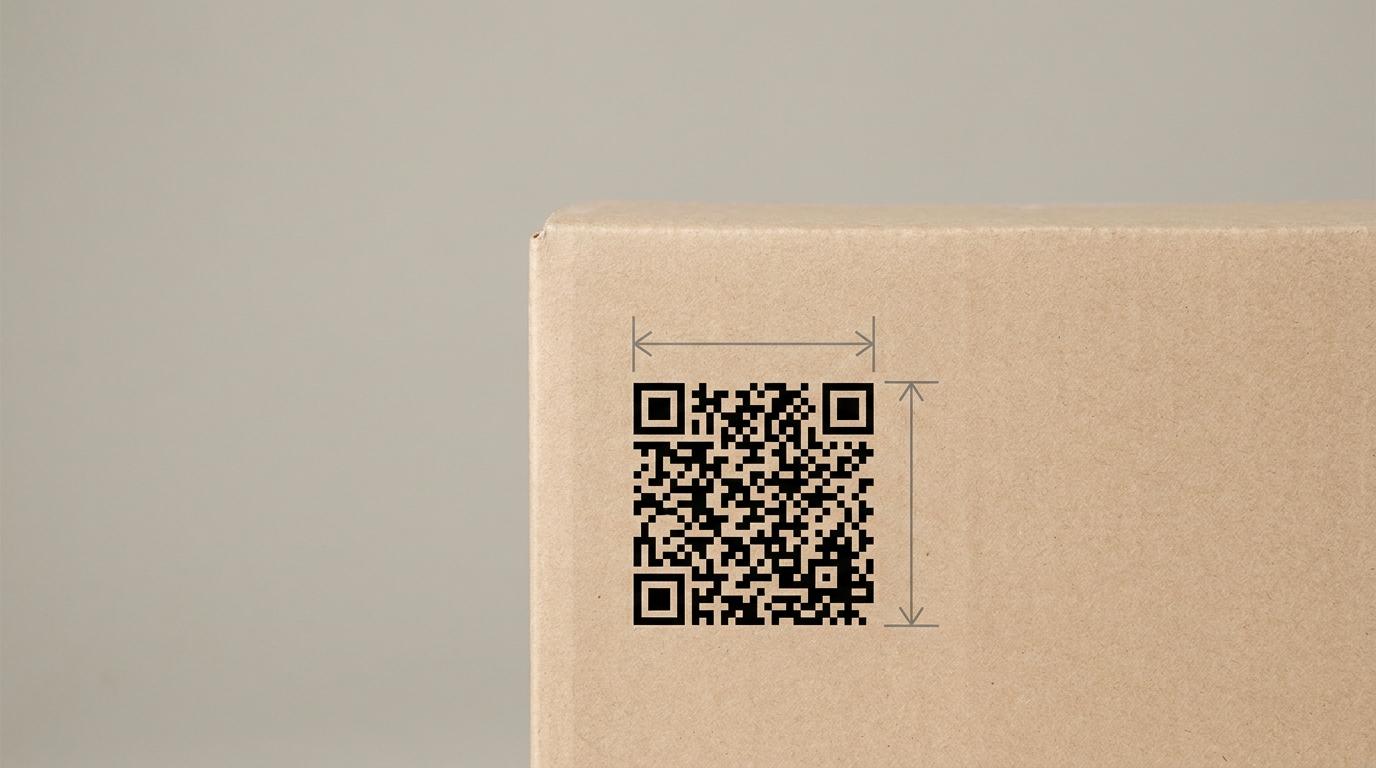
Every few weeks we have the same conversation with a brand preparing for Sunrise 2027. It starts with packaging artwork and it goes like this: the QR code our vendor generated is too big for the front of the pack, can you make it smaller?
We can’t. Nobody can. And the reason is worth understanding, because once you see it, a lot of confusing vendor advice suddenly resolves into one simple rule:
You don’t choose your QR code’s size. Your data length chooses it for you.
This post is the short version. The full reference — with the complete retail point-of-sale size tables in both millimetres and inches, quiet-zone allowances, and the placement rules — lives in our docs at QR code sizing.
A QR code is a grid, and grids come in fixed sizes
A QR code is made of small squares called modules. The width of one module is the X-dimension, and it is the number that ties the digital symbol to the physical world.
The grid only exists in fixed steps, called versions. Version 1 is 21 × 21 modules. Every version after that adds four rows and four columns: version 2 is 25 × 25, version 3 is 29 × 29, version 4 is 33 × 33, and so on.
You cannot ask for a grid in between. If your data needs one more module than version 2 provides, you get version 3 — the whole next step up.
Now add the physical constraint. A retail checkout scanner needs each module to be at least 0.396 mm wide to read reliably. That figure is not a guideline we invented; it comes from the GS1 General Specifications, section 5.12.3, which sets the permitted X-dimension range for symbols scanned at retail point of sale:
- Minimum: 0.396 mm
- Target: 0.495 mm
- Maximum: 0.990 mm
Put those two facts together and the chain is one-directional, with no escape hatch:
more data → higher version → more modules → bigger printed symbol
That is the whole mechanism. A version 3 code at the target X-dimension is 29 × 0.495 = 14.4 mm square. A version 5 is 37 × 0.495 = 18.3 mm. You do not get to print the version 5 at 14.4 mm, because that would drive the module width below the minimum and the code would stop scanning at checkout — which is precisely where it needs to work.
The part most people miss: the quiet zone
Every size in every QR sizing table you have ever read is the symbol only. A QR code also needs a quiet zone — four modules of completely clear space on all four sides. No artwork, no keyline, no label edge.
Four modules on each side means adding eight module-widths to both dimensions. At the 0.495 mm target, that is 4 mm extra in each direction.
So the version 3 code that the table says is 14.4 mm actually needs 18.4 mm of label. If you budgeted 15 mm on the artwork, you are already over.
This is also why GS1’s own published examples sometimes look bigger than the tables. You will see a 29-module version 3 quoted at 14.65 mm minimum, which does not match 29 × 0.396 = 11.5 mm. The difference is the quiet zone: 29 + 8 = 37 modules at 0.396 mm is 14.65 mm. Both numbers are correct. They are answering different questions. Check which one you are looking at before you hand it to a designer.
What actually decides your version
Here is the same GTIN encoded at error correction level M, on three different hosts, with increasing amounts of data. Sizes are at the 0.495 mm target, symbol only.
| Data on the code | GTIN.ONE | ACME.GTIN.ONE | ID.LONG-BRAND-NAME.COM |
|---|---|---|---|
| GTIN only | v2 — 12.4 mm | v3 — 14.4 mm | v3 — 14.4 mm |
| + lot (6 char) | v3 — 14.4 mm | v3 — 14.4 mm | v3 — 14.4 mm |
| + lot (10 char) | v3 — 14.4 mm | v3 — 14.4 mm | v4 — 16.3 mm |
| + lot (6) + expiry | v3 — 14.4 mm | v4 — 16.3 mm | v4 — 16.3 mm |
| + lot (10) + expiry | v4 — 16.3 mm | v4 — 16.3 mm | v4 — 16.3 mm |
Look at the first row. The same product identifier, encoded on an eight-character host, is a version 2 code. On a twenty-two-character host it is version 3. Two millimetres of packaging, before you have added a single attribute — and that gap does not close as you go down the table, it compounds.
The practical envelope for a consumer unit is version 2 to 4. If your generator is handing you version 6 or 8, the problem is not your packaging. Something in that URI is carrying data that does not belong on a printed symbol. Dates are the usual example of data worth its cost: a recall notice written against 24 best before dates, as in this yogurt recall, is only usable by a machine if the date is encoded, and the expiry in the table above costs up to one version.
The knobs you actually have
Version is an output. These are the inputs.
Host length. Every character in the domain is a character in the symbol. This is the one that gets decided once, early, usually by someone not thinking about millimetres, and then printed on every unit you ship for years.
Uppercase. QR has an alphanumeric encoding mode that packs 5.5 bits per character against byte mode’s 8, and its character set is uppercase-only. The same GTIN-only Digital Link:
HTTPS://GTIN.ONE/01/09506000134352     → version 2   (12.4 mm at target)
https://gtin.one/01/09506000134352     → version 3   (14.4 mm at target)
Two millimetres for a change that costs nothing, because hosts and schemes are case-insensitive. One caveat we will state plainly, because it matters: this only helps when it moves you across a version boundary, and it does not apply to lot and serial values. AI(10) and AI(21) are case-sensitive GS1 data. Uppercase the scheme, host and path structure; leave the identifiers exactly as issued.
Query strings. Digital Link puts key qualifiers like lot and serial in the path, but data attributes like expiry date go in the query string. The ? and = characters are not in the alphanumeric character set, so adding a query string forces part of the symbol out of the dense mode and into byte mode. It is a real cost, not a rounding error.
Error correction level. Higher error correction means more redundancy and fewer usable data bits, which pushes the version up. On a GTIN plus a ten-character lot plus expiry, level L fits in version 3 while level M needs version 4 — the same two millimetres again. Level M is the right default for retail packaging; it survives real-world scuffing without the size penalty of Q or H.
Two things that will fail you even when the size is right
Never design to the minimum. 0.396 mm is the floor at which a compliant scanner reads a perfectly printed symbol. Flexible film, gusseted pouches, curved bottles and ordinary press variation all eat into that margin. Design at the 0.495 mm target or above and treat the minimum as a limit you never approach deliberately.
Placement matters if it has to scan at checkout. The complete symbol and its quiet zone should sit within a 50 mm (about 2") radius of the centre of the linear barcode. That is a maximum radius, not a minimum separation — closer is fine, provided both symbols keep their own quiet zones.
Why we made our resolver domain short
We will be direct about the product angle, because it is the same arithmetic as the rest of this post.
When we built Closient’s resolver, the domain length was a deliberate decision rather than a branding one. A GTIN-only Digital Link on GTIN.ONE encodes to version 2, where most branded resolver hosts land on version 3. On a small pack that difference can be the line between fitting the existing artwork and redesigning the front panel.
That is not a claim that a short domain solves packaging. It is one input among four, and the biggest single lever is usually deciding what genuinely needs to be printed versus what the resolver can serve after the scan. But it is the input you cannot change later, because it is already on every unit in the field.
If you are sizing a code right now, the full reference with both size tables has the numbers in millimetres and inches, and printing QR labels shows the exact Digital Link that will be encoded before you commit it to plate.